
Chatbot avatars
On this page
On this page
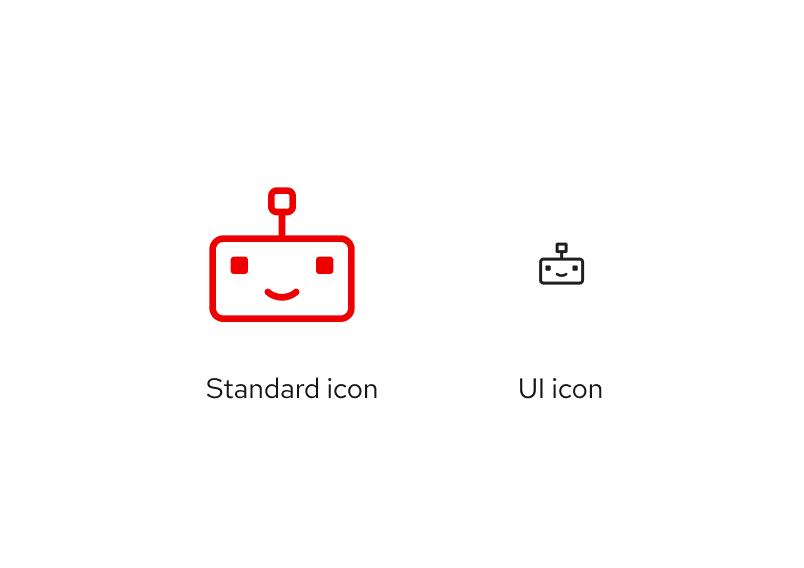
Use the robot icon for chatbot avatars
All chatbots should use the robot icon as their avatar or profile picture. Other AI experiences should not use a robot icon.
- Why use a robot icon for chatbots? It creates a strong connection with the expectation of a chat experience, creates a cohesive experience across Red Hat chatbots, and avoids diluting brand personality through overuse.
- Why this specific robot icon? We revised the original robot design to be more expressive and better represent advanced AI features, based on a Qualtrics survey.
Variations
Using a robot to represent AI chatbots opens up new possibilities for using variations of the robot to express personality and add whimsy.
- Consider using chatbot icon variations or animations to show thinking states, react to content, or differentiate chatbot options, depending on technical limitations.
- The UI icon robot does not have variations due to size constraints.
- Existing variations include: happy chatbot (default), annoyed chatbot, bewildered chatbot, and sad chatbot.
Note
More robot variations can be created as needed. To request a new one, chat us on Slack at #help-brand.
-

Happy chatbot (default) -

Annoyed chatbot -

Bewildered chatbot -

Sad chatbot
Chatbot avatars in use
The robot icon should be consistent, but can be styled as needed to provide an engaging experience in each chatbot application.
- Use the UI size version of the happy chatbot for avatars and launch buttons.
- Avatar variants are available in small, medium, and large.
- If the
pf-chatbotuses compact sizing, the avatar uses the compact size variant.
-
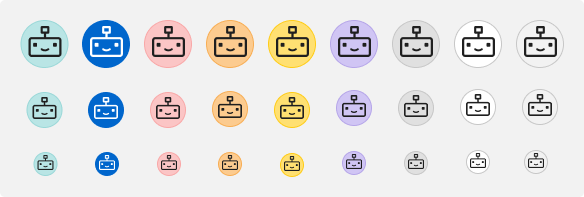
Chatbot avatar color variants on a light theme background -
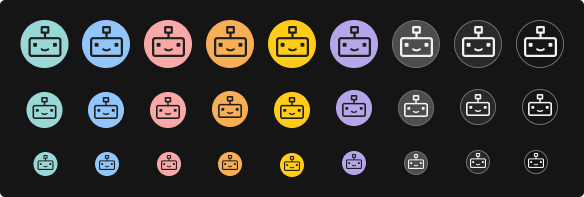
Chatbot avatar color variants on a dark theme background
Note
Avatar variants are using PatternFly's non-status tokens. We advise against using success-green, interaction-blue, and danger-red.
Chatbot launch button
When clicking a button results in opening a conversation with a chatbot, use the robot icon on the button.
Primary and secondary examples
- Use the UI icon size for the launch button and the avatar.
- Launch button variants use PatternFly tokens; choose the variant that best accommodates your product needs, considering the page background color versus the icon button color.
- The launch button's appearance depends on context and should follow local product area patterns.
Contextual examples
- Use the UI icon size for the launch button and the avatar.
- Contextual examples show possible launch button styling using masthead items, icon buttons, and menu toggles.
- Choose the variant and launch location that best suits your product UI.
-
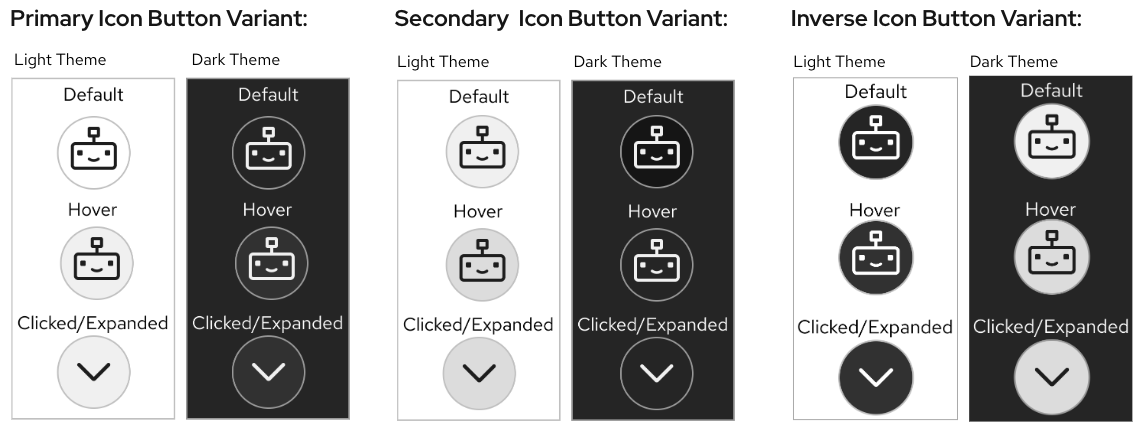
Launch button variants across light and dark themes, showing primary, secondary, and inverse states. -
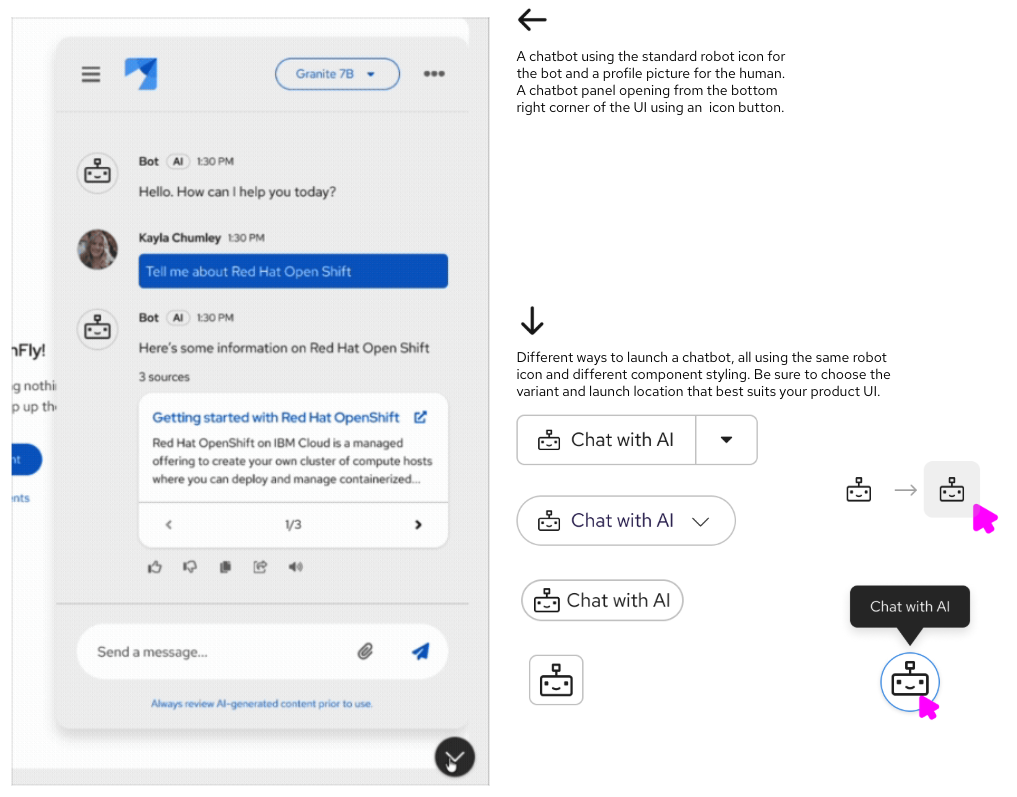
Examples of chatbot launch buttons using the robot icon within a product UI.
Chatbot avatar don'ts
-
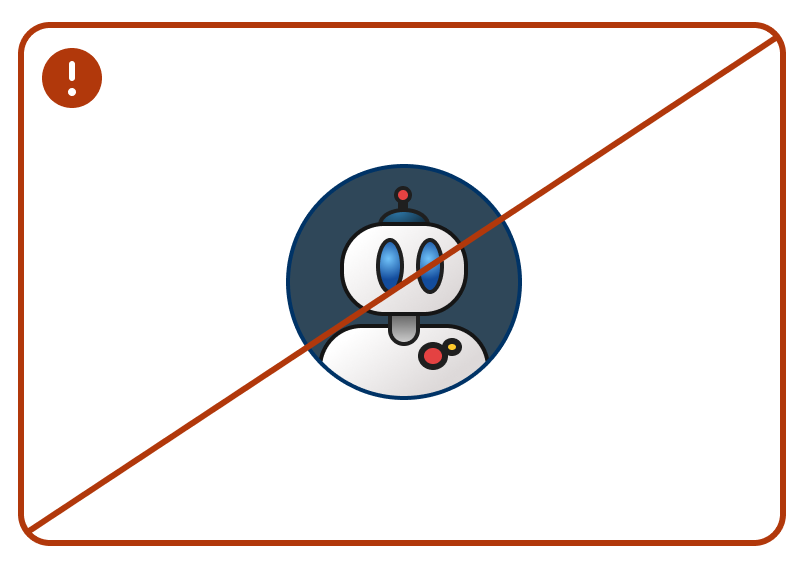
Don't use other icons or robots as chatbot avatars. -
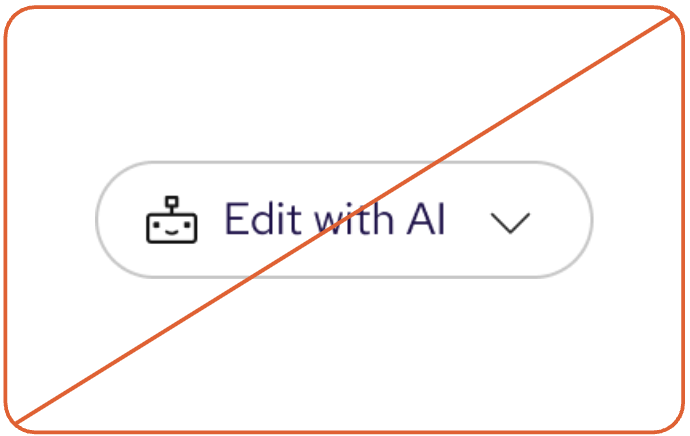
Don't use robot icons to represent other kinds of AI experiences. -
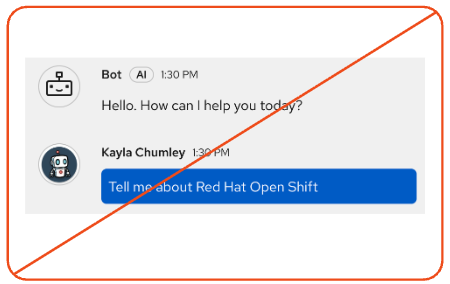
Don't use robot icons to represent humans. -
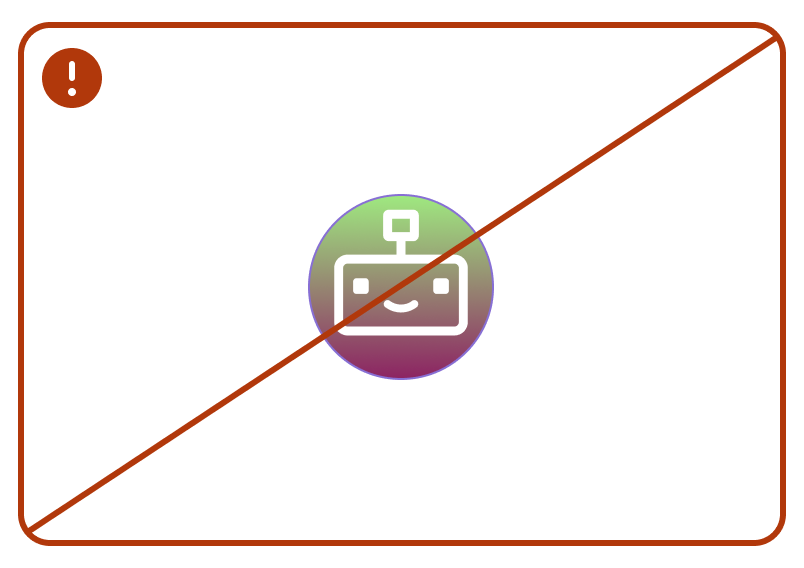
Don't change the styling of launch buttons to use a gradient fill or border gradient. -
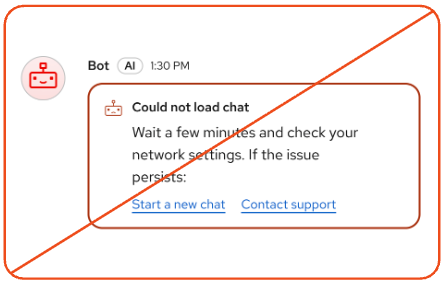
Don't use robot variations to indicate state changes or alerts. -
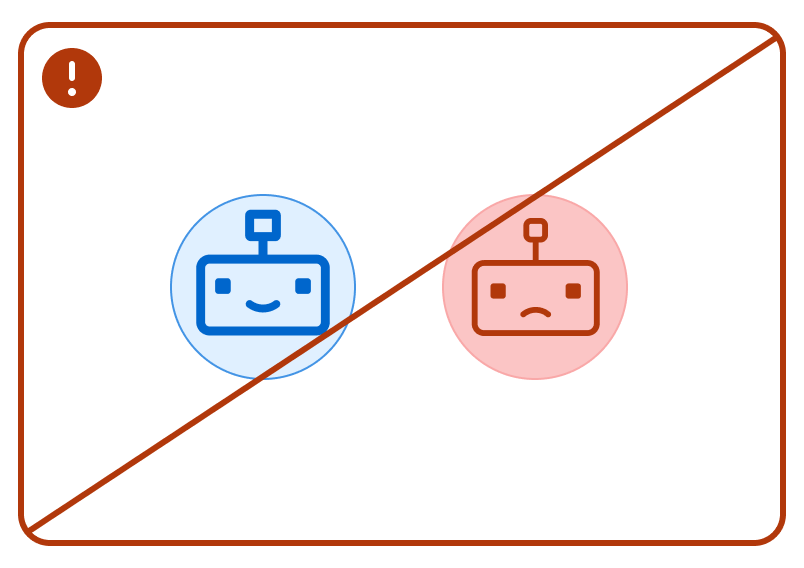
Don't change the color of the robot icon based on the "emotion" of the variation.
